I run a hands-on workshop for software teams that want to move from chaotic experiments with prompts to a clear, repeatable workflow with AI coding agents. I show it mainly with Claude Code, and the same workflow works for teams on GitHub Copilot.
So far I have run it in more than 7 companies, among them:








You can get a taste of the content from my talks at the BASSCOM AI Conference 2026 and the CoTransition meetup.
Who It Is For
- Development teams that already use AI agents, or are about to start.
- Teams on Claude Code, GitHub Copilot, or both.
- Tech leads and architects who want one shared setup and clear rules for the whole team.
Format and Duration
The workshop can run on-site at your office or online.
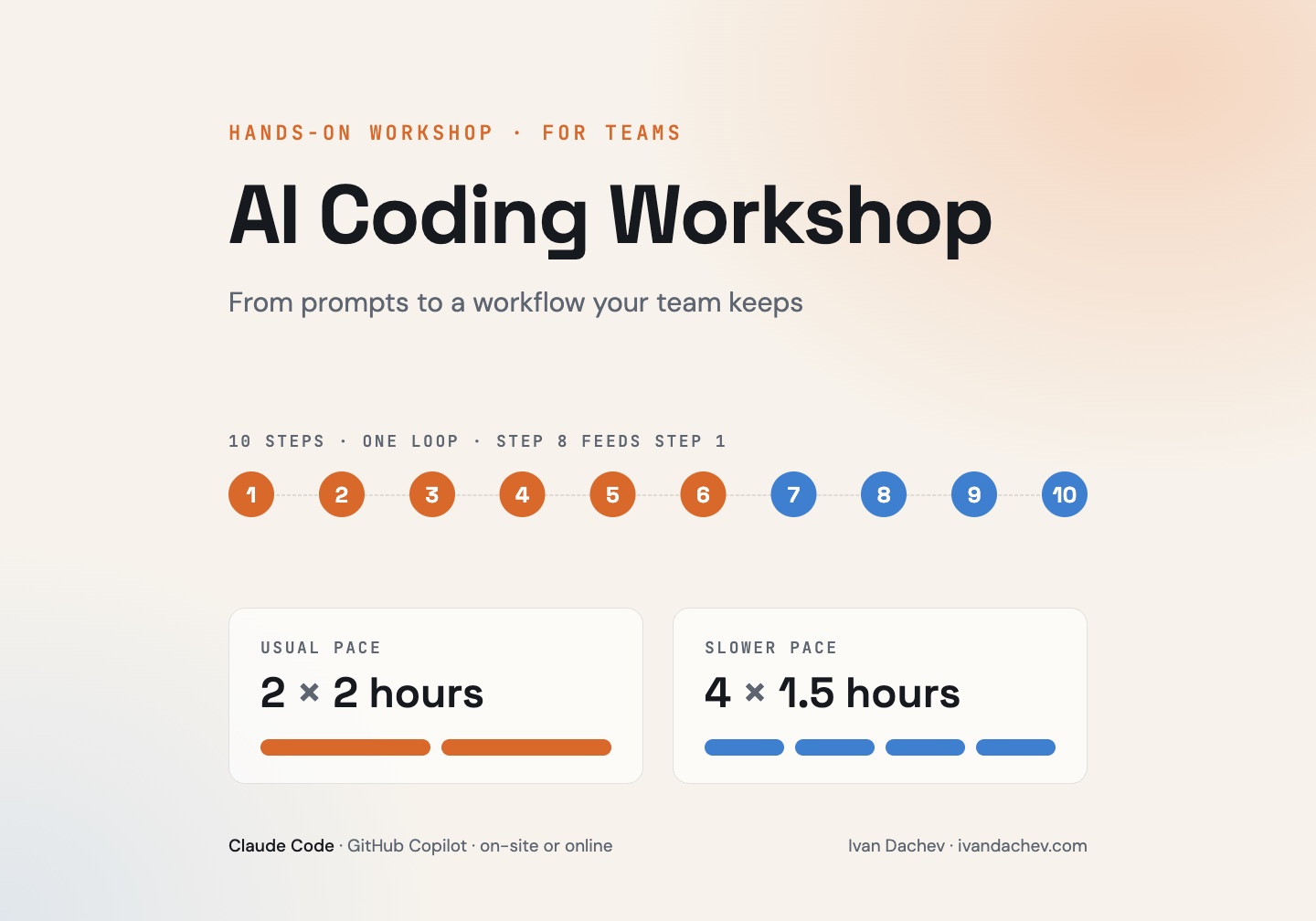
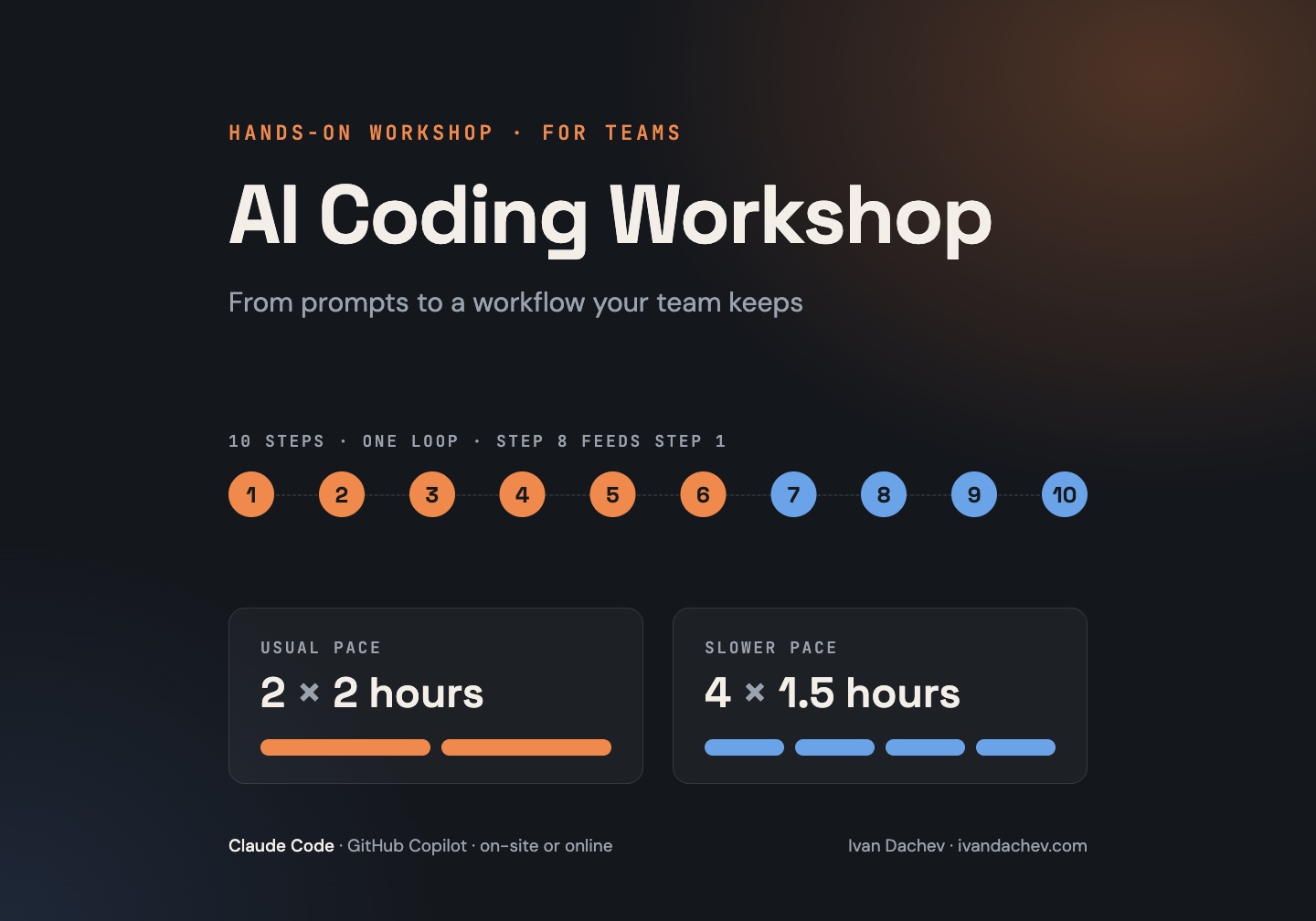
The usual format is 2 sessions of 2 hours.
Some teams need a slower pace. For them I split it into 4 sessions of 1.5 hours. The final plan depends on the team: how fast they pick up the new workflow, how much experience they have with AI agents, and who is in the room – developers, QA, tech leads or managers.
Before the workshop we agree on the technology stack (for example Java, Angular, Python), so the examples and the setup match your projects.
The Program
The workshop follows one loop of ten steps. The last step feeds the first, so the setup gets better with every session.
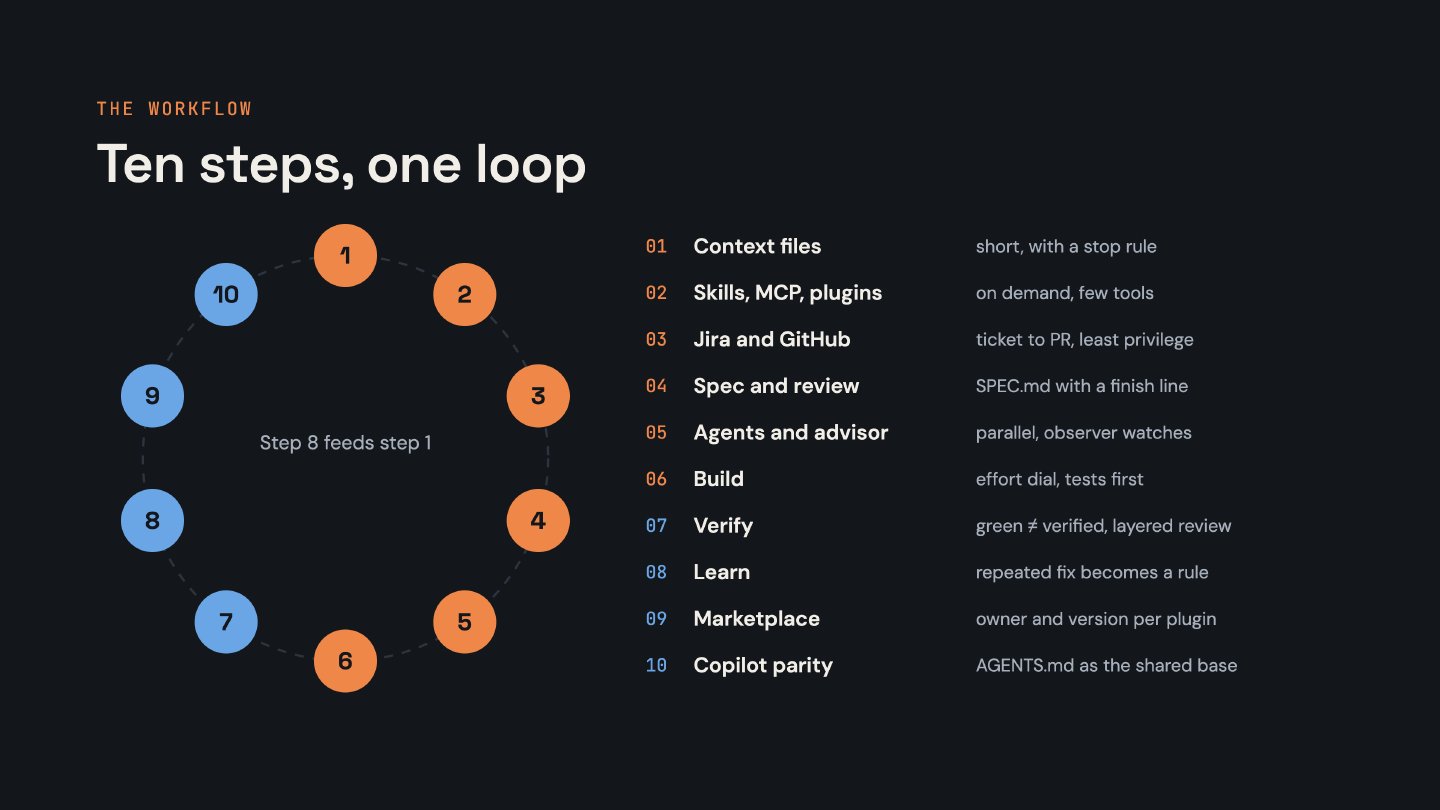
- Context files –
AGENTS.md/CLAUDE.md. Keep them short, link docs instead of copying them, include the build and test commands and the “never do” rules. Generate a first version with the agent, then trim it by hand. Add per-module files for bigger repos and monorepos. Test it: ask the agent to explain the project and check the answer. - Skills and MCP servers. Install the right ones for your stack, check them for security and enable only what the project needs. Start with a small base set and configure it at project level, so the whole team gets the same setup. Too many tools make the agent slower and less accurate.
- Jira and GitHub in the workflow. Connect the external tools with tokens with minimum rights, read-only where possible. The flow is Jira ticket → spec → branch → pull request linked back to the ticket. Decide what the agent may do alone and what needs a human approval.
- Planning and specification. Let the agent assess the repo scope first. Use a spec template: goal, non-goals, acceptance criteria, test plan. One spec per area, split cross-repo work, trim over-engineered plans. Stop at the spec and review it in a fresh session before any code.
- Agents, subagents and the advisor. Use subagents for parallel research and to keep the main context clean. One agent or session per spec. Avoid too many agents – it makes it harder to track decisions.
- Implementation. Tests first (TDD), one step from the plan at a time, a commit after each step, and hooks for lint and tests. The agent must not change tests to make them pass without approval. Use git worktrees for parallel agents, and start a fresh session when the agent goes in circles.
- Verification and code review. CI must pass: build, tests, lint, coverage. Architecture tests (for example ArchUnit) check the clean architecture rules automatically. The AI reviews in a new session first, then a human owns the final review.
- Learning from sessions. A short retro after each session: what did I correct more than once? Repeated corrections become rules or skills. Clean the files regularly, so they don’t grow too big.
- Private plugins and a marketplace. Package the knowledge that works into private plugins and skills. Decide what stays in the repo and what becomes company-wide. Give each plugin an owner and a version, and test skills before publishing them to the team.
- Same workflow for Copilot.
AGENTS.mdis the shared base.CLAUDE.mdand the Copilot instructions both point to it. We go through which steps work the same and where Copilot differs.
What to Expect
- Hands-on work, not only slides. We work on real examples, and where possible on your own repositories.
- A setup the team keeps. Each team leaves with working context files, a base set of skills and tools configured at project level, and a spec template.
- Clear safety rules. Least-privilege tokens, what the agent may do alone, and where a human approval is always needed – merge, deploy, production.
- A loop that keeps improving. The team learns how to turn its own repeated corrections into rules and skills after the workshop ends.
- Room for questions. Every session has time for Q&A and for your own cases.
What Participants Need
- A laptop with Claude Code or GitHub Copilot installed and working.
- Access to a repository to practice on – a real project or a sample one.
Get in Touch
The program, the pace and the examples are adapted for each team. For dates, format and price, please send me a message or write to me on LinkedIn.